TakeTmrw
Taketmrw is a Laravel + React application designed to set up projects, capture time across tasks and generate automatic invoicing and provide detailed analytics of mood, project values and task performance.
AI is used to create tasks if set up with an OpenAI API key from the user, with the automatic filling of the project, priority and assigned users. On top of this application is the security of Laravel routing, including two-factor authentication.
View the system at Taketmrw.com
AI is used to create tasks if set up with an OpenAI API key from the user, with the automatic filling of the project, priority and assigned users. On top of this application is the security of Laravel routing, including two-factor authentication.
View the system at Taketmrw.com
PHP
Now
CSS / SCSS
Now
DigitalOcean
Now
JavaScript
Idle
React
Idle
Laravel
Idle
NGINX
Idle
Linux
Idle
Terminal
Idle
GitHub
Idle
UI
Idle
OpenAI
Idle
Goal
To create an project management tool to analyse timy, money, performance and emotional values against tasks and projects.
Additionally the system needed to provide invoicing, AI task creation enhancements and a live timer to track time.
Additionally the system needed to provide invoicing, AI task creation enhancements and a live timer to track time.
Technology
The system utilizes tailwind, reactJS, typescript, laravel, laravel fortify and is built ontop of a Linux Ubuntu installation running on a secure Digital Ocean server.
We use a MySQL database on an NGINX server with modern PHP.
We use a MySQL database on an NGINX server with modern PHP.

AI auto tags, auto dates, auto assigns.
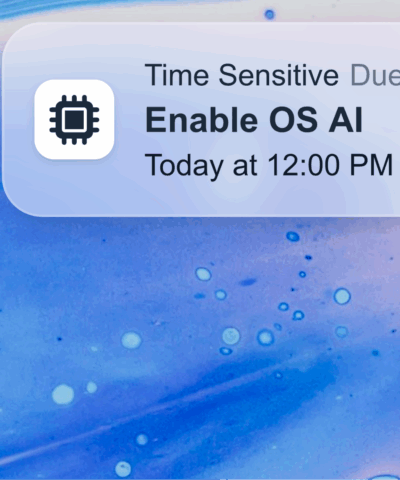
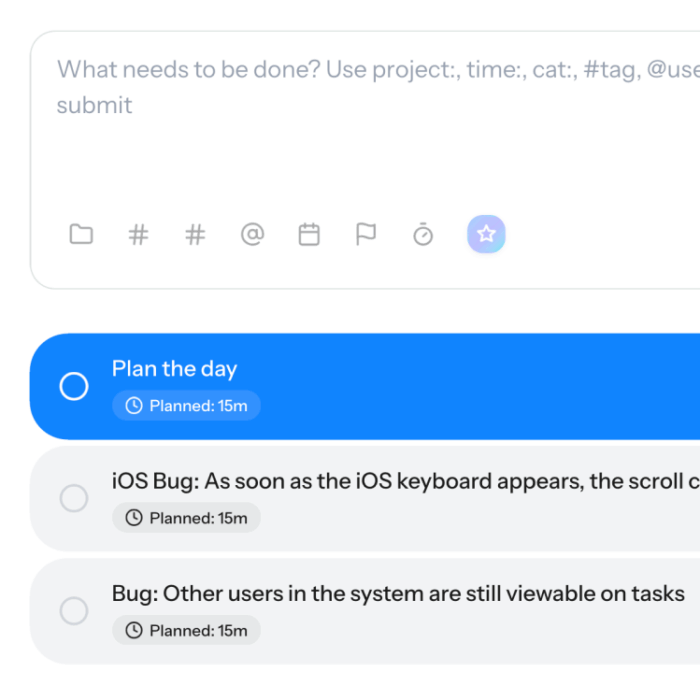
TakeTmrw uses AI to assign new tasks automatically categorising, tagging, and setting timescales without manual input. Smart Categorization, Contextual Tagging and Time tagging are all AI smart-features. The AI features are enabled once the user adds their OpenAI key in settings and the user is fully in control.

Statistics
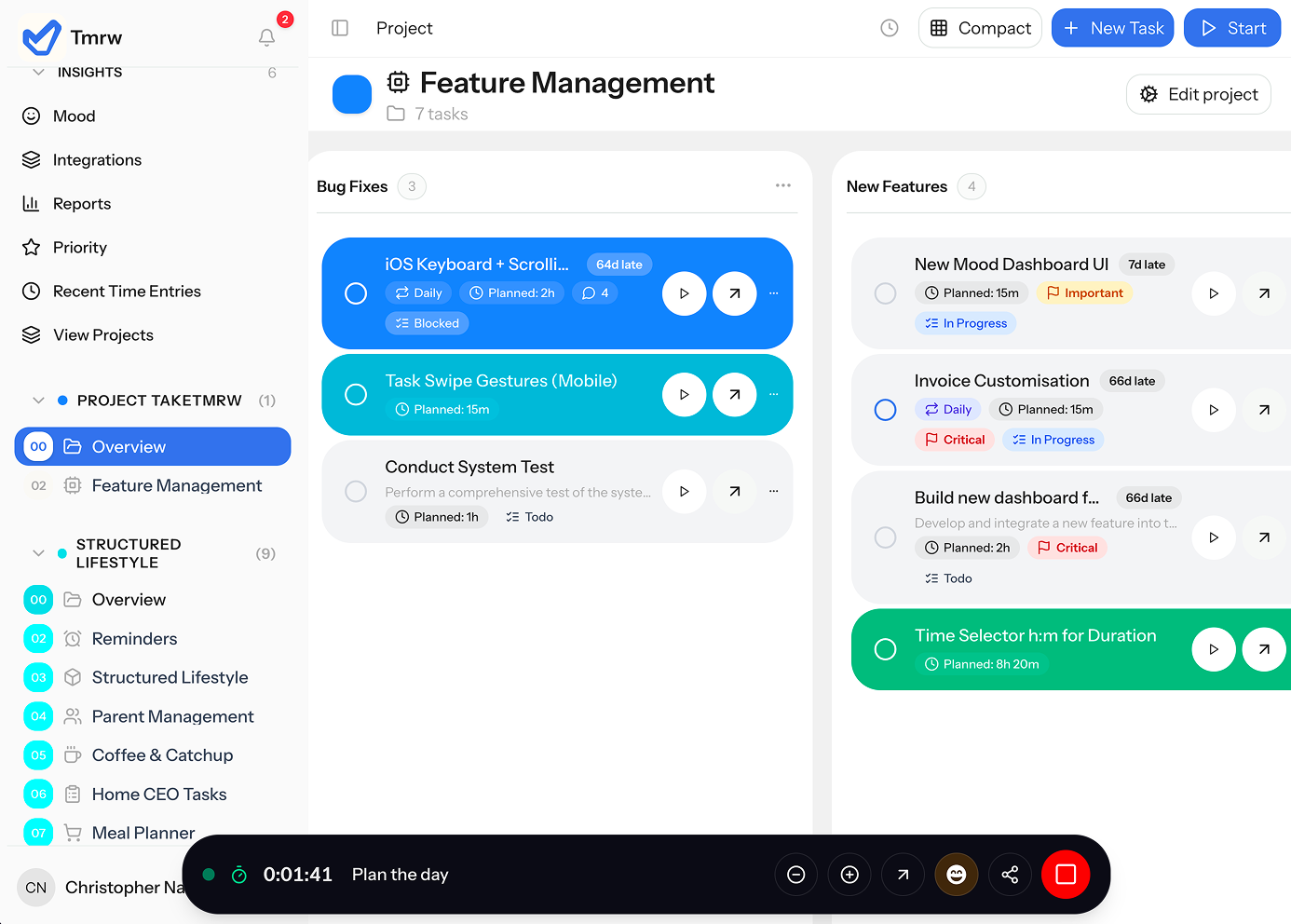
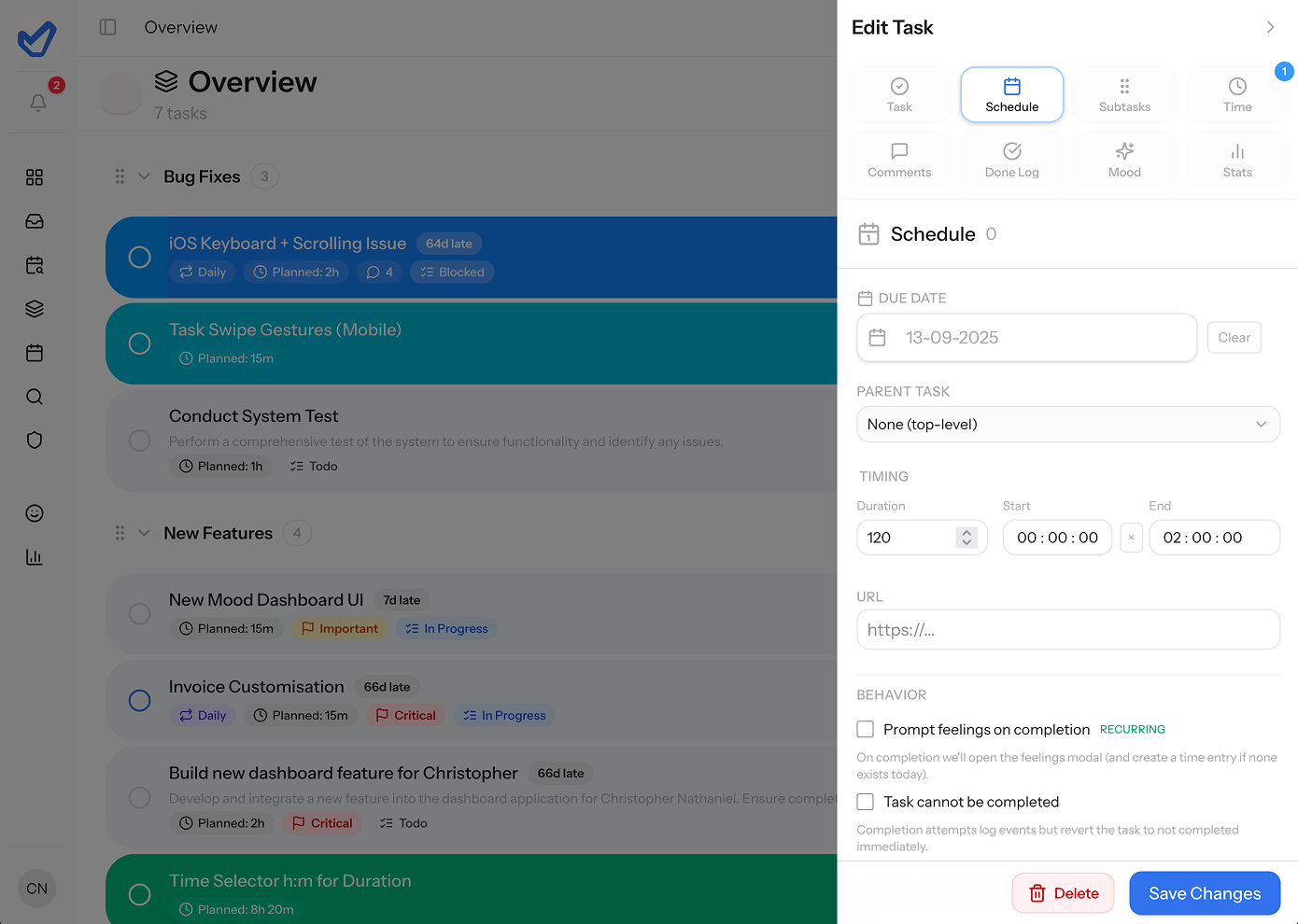
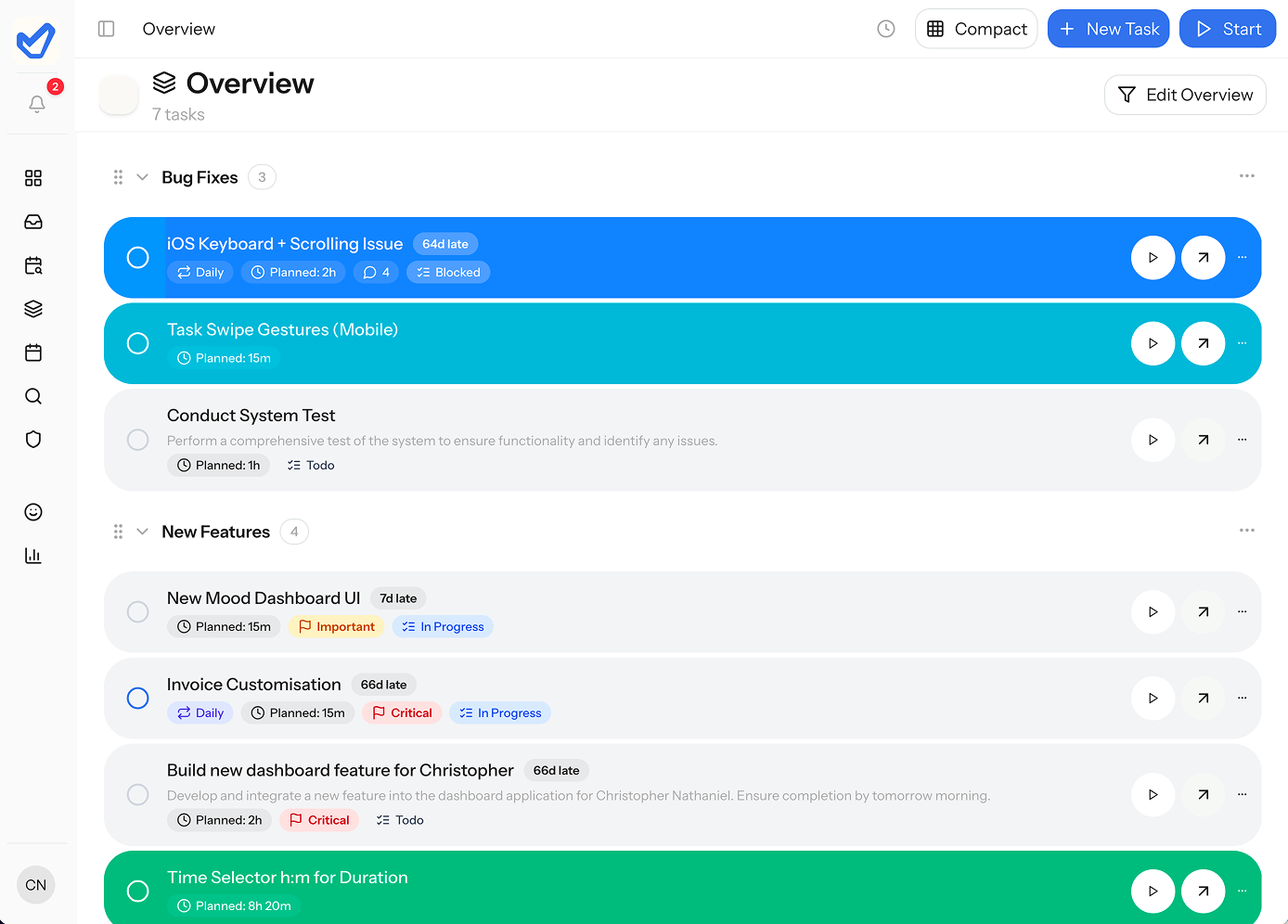
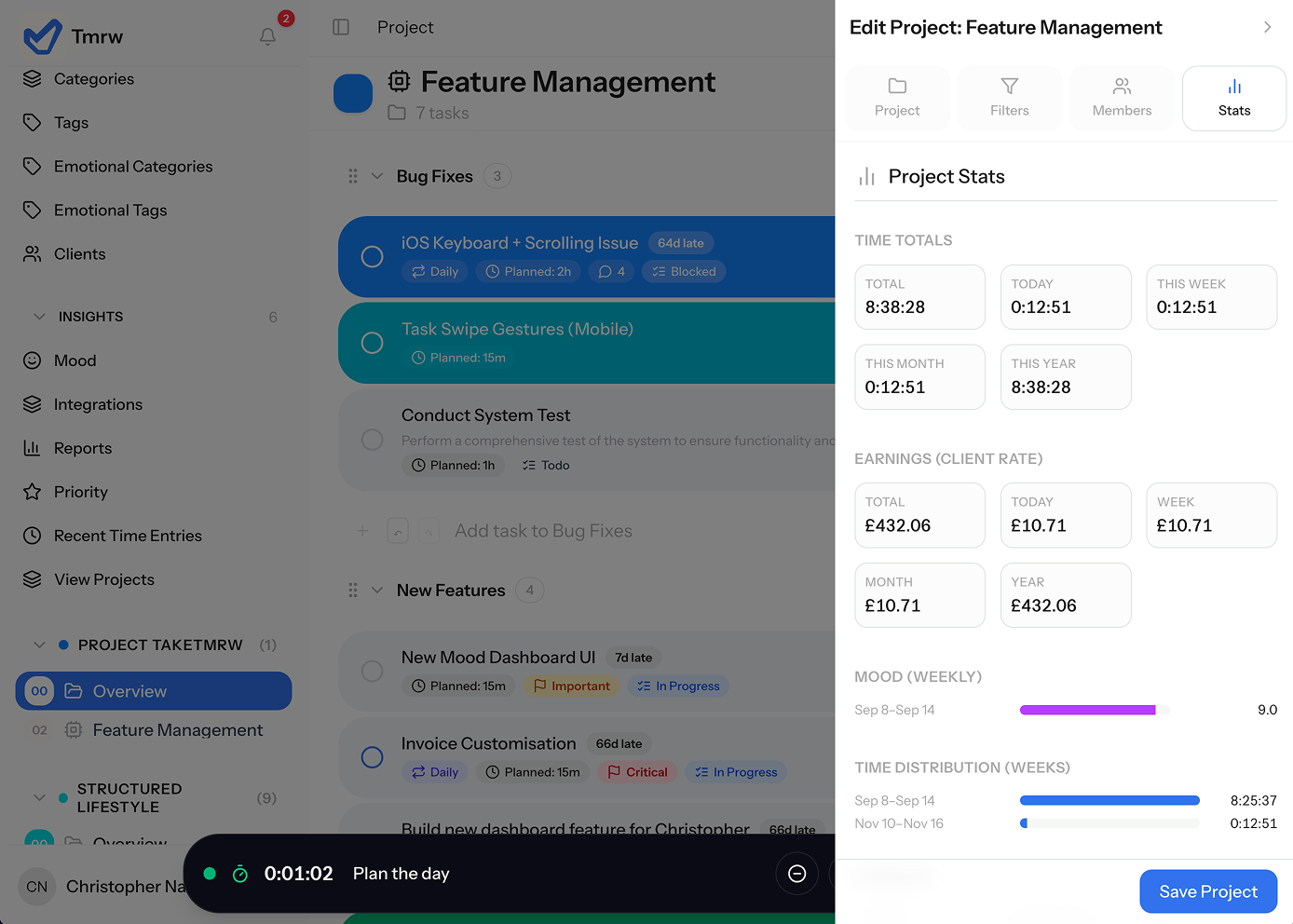
The UI is intuitive, making it wasy to start a task timer. Customisation is equally easy with a click on the arrow, a panel is pulled out enabiling full customisation and view of statistics for that task. Once on the project view stats can also be viewed as a project, allowing deep insights in to timing and emotional values related to tasks.
Kanban & Customisation
Tasks can be viewed in a Kanban view, which can be customised to view by categorisation, tags, date milestones and more allowing for logistical control over tasks in a project. Additionally the ability to set completion dates, set alerts, assign users, add and remove time and set repeating tasks is all built in functionality.